

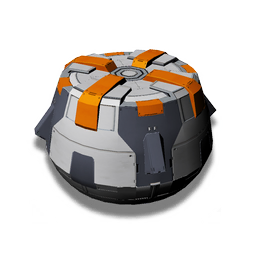
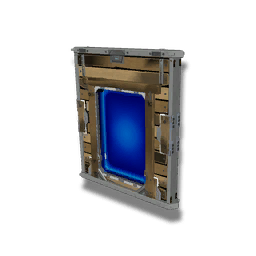
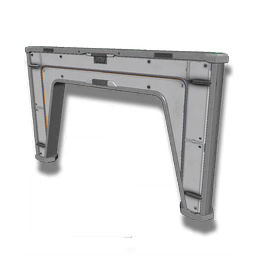
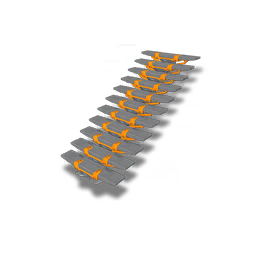
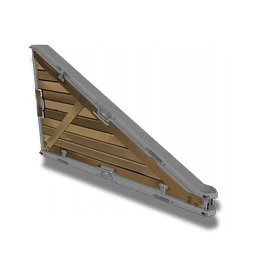
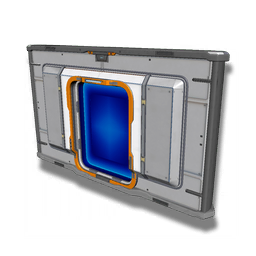
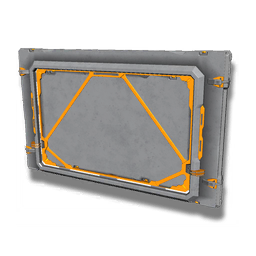
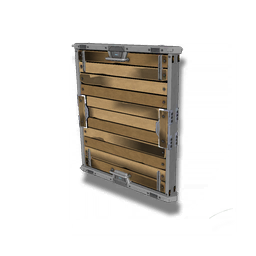
Also note, that when the boundary is locked again from teleporting or some other similar function, the base boundary will auto revert to 300u no matter what else is built, this is fine for what is already built, it will function normally, but will need to be unlocked to continue building out.
On top of that, when it is unlocked again, it won’t restore the former boundary you had made, it will fully reassess the boundary, so if you had deleted the parts used to make the tunnel, that tunnel will no longer exist, only parts that belong to the base and still exist, will have their boundary restored.
You may also notice that with a locked boundary, you can still build items outside of the base boundary while close to existing outer parts.
I would suggest unlocking before doing so, as these parts will not count as part of that base, you can tell this is happening by the parts not snapping like they usually would, walls won’t snap to floors etc.
You can tell if you are building within the boundary limits as this symbol will appear above the base computer 
Is base extension necessary? There is no explanation why or which direction it must go (considering the tunnel references). Is this for chunk loading like in Minecraft to make the harvesters work? Is that needed with the most current version of the game?
I absolutely required it to connect to the 4 dispersed hot points for my mining base. The procedure was almost exactly as described, right down to the ‘once base parts are deleted, the base boundary will be reverted upon re-load.’
Many NMS players like me use it as a way to get to power, gas, or mineral deposits. I have a electromagnetic generator sight 700 units from my base so I used base extension to connect them to the grid restoring power to my base. Extension can also be used to gather mineral resources and gas recourses outside the 300u zone.
This is absolutely awesome and has explained exactly what to do as i was really having problems connecting my bases but this has 100% helped in a very simple way. Thanks and great job.
Is there a way to expand the vertical limit?
Did this just get patched? I started a new mining base and I have been unable to build past the 300 boundary… I don’t see anything mentioned in the latest patch notes, though it could have been something in the collision and snapping fixes that did it. I’m going to be a sad panda if we are stuck with the 300 range for building.
I just did it last night on PS4, So I don’t think it was patched. I also believe the ” tunnel” can be extended by roughly 100u instead of the 25 mentioned above. I placed a mineral extractor 80u from the base limit using these steps.
Make sure to save and reload before extending the boundary. At the near top of the guide it says to always save and reload before extending it because actions such as teleporting or warping cause it to lock (with possibly more actions locking it too).
This was all extremely helpful! What would happen if I were to do this within the limits of another player’s base? Also, I’m slightly confused about deleting items. Once you delete an item and unlock, you lose the extension right? So how do you extend and get rid of the “ugly” items you use just to extend? Do you just use items you would want to keep to extend?
I’ve been trying to utilize this guide for over 2 hours now, and keep running into the same issue. This is specifically regarding the EM Generators. When trying to cable up to my base, it keeps telling me that the connection is too long. Is it still necessary to reconnect to retransmitting units every 200u, and if so, what do you typically use to do it? Additionally, are the EM Generators supposed to snap when building in a column? My OCD is killing me trying to get a beautiful looking column. Lastly, this is all being done for an underwater base right now but I will use this for land bases in the future once I hammer this out.,